Small businesses are being sold a tempting promise: automate the routine work and reclaim hours for more valuable tasks. A customer inquiry arrives, software drafts an answer, an agent sends a follow-up, and the owner gets a tidy report. It looks wonderfully simple until the customer asks a question the system was never designed to handle.
Who takes responsibility when the order has a special condition, the invoice does not match the contract, or a complaint needs a personal explanation? If the answer is “someone will notice,” the workflow was never finished. The most useful person to name before automating anything is the exception owner: the employee who handles cases that fall outside routine rules.
This matters even when the AI produces excellent drafts. A November 16 Gallup study of U.S. workplace AI found that 52% of frequent users spent less time gathering information and 47% spent less time writing or drafting. But 21% reported spending more time reviewing and correcting work, while a similar share spent less. The point for a small-business owner is that savings in the first step do not guarantee savings across the whole job.
Begin With One Task and an Exit Route
Imagine a local home-services company that receives dozens of inquiries each week. Staff spend time asking customers for addresses, job descriptions, and preferred appointment windows. An AI assistant could draft replies, categorize requests, and identify missing details. That sounds like a sensible pilot.
Now imagine a customer reports property damage, asks for an emergency visit, or disputes a charge. The automated process should not continue sending cheerful appointment reminders. It should recognize the exception and route the case to a named employee who can use judgment and respond appropriately.
That employee needs a clear trigger, a realistic response time, and authority to pause the automated sequence. They should not have to search five dashboards to discover why the system escalated a case. An email or task record should state the relevant context, the action already taken, and the unresolved question.
The workflow should also tell staff what happens when the owner is out sick. Assign a backup rather than making “ask the owner” the answer to every problem. A small company can often solve this with an ordinary shared inbox or task board before buying new software.
Treat Automation as a New Job Assignment
When a business hires an employee, a manager usually defines the work, checks the initial performance, and decides when a question must go to someone more experienced. Software deserves equally clear boundaries.
For an AI workflow, write a one-page operating agreement: its purpose, permitted inputs, permitted outputs, confidential data it must avoid, situations requiring approval, and a single owner for reviewing performance. Use plain language so the people actually doing the work can understand it.
A draft-generating tool can prepare a proposed response, but a staff member may need to approve messages involving a refund, a medical or legal claim, a sensitive personnel issue, or an unusual customer request. Routine status updates may be safe to send automatically after testing. The distinction comes from what the customer stands to lose if something goes wrong.
This approach also protects employees from being made responsible for errors in a process they never had a chance to shape. Ask the people handling exceptions to help define the rules. They know which edge cases occur every week and which ones are rare but expensive.
Measure the Full Process, Including Corrections
A vendor demonstration may show a proposal drafted in thirty seconds instead of twenty minutes. That is useful information, but it is only the beginning of an evaluation.
Track the whole process from incoming request to completed customer outcome. Include time spent checking facts, changing the draft, waiting for approval, resolving mistakes, and responding to follow-up questions. Record the volume of cases that reach the exception owner. If that number climbs rapidly, the automation may be moving work rather than removing it.
Set a baseline before the pilot starts. For two weeks, record the typical volume, employee time, error rate, and customer waiting time. Then test the AI workflow on a small group of routine cases with a human reviewing the results. Use a simple spreadsheet if necessary. The goal is a credible comparison, not another software subscription.
The National Institute of Standards and Technology’s 2026 report on monitoring deployed AI explains why performance must be watched after launch. Systems can behave differently in real settings than in controlled tests, and unexpected outputs require attention. A small business does not need a research laboratory to apply that principle. It needs a habit of checking results and acting on problems.
For example, suppose the system reduces first-draft time by half but creates more escalations because a few types of inquiries are repeatedly misclassified. Instead of announcing a productivity victory, the owner should adjust the categorization rules, limit what is automated, and retest. The accurate business outcome is the time and quality of the completed job.
Build a Stop Rule Before You Scale
A good pilot has conditions under which it pauses. If the workflow sends a message to the wrong customer, exposes information it should not process, or produces several unreliable answers in a short period, employees should be able to stop it without waiting for a technical specialist.
For routine errors, define a threshold that triggers review. For consequential errors, require immediate human attention. The exact thresholds depend on the task and the business, but the staff must know them before the first automated message goes out.
Keep a simple incident record: what happened, how the problem was found, what the customer experienced, who corrected it, and what changed in the workflow. A record like this helps prevent the same error from recurring and makes it easier to train new employees.
The exception owner should also have permission to improve the process. Otherwise, the role becomes a dumping ground for problems that never get fixed. Review recurring exceptions weekly during the trial. Remove steps that create confusion and update the instructions that govern routine cases.
Give Workers a Reason to Trust the Process
Employees may be uneasy about automation for understandable reasons. They wonder whether the software will produce extra work, threaten their role, or expose them to blame for mistakes. A manager who introduces a tool without discussing these questions is asking for resistance.
Invite employees to choose one repetitive frustration worth addressing. Explain what a successful trial would change in their day. Show them how to flag a misleading output and when they can override the software. Then report results in terms that matter: fewer missed requests, faster correct responses, less manual reentry, and better customer experiences.
Do not judge adoption by the number of times people open the assistant. A team that uses AI sparingly but consistently improves outcomes may be performing better than one that generates hundreds of drafts no one needs.
For small businesses, the most effective automation is often modest. Start with a task that happens regularly, has a predictable structure, and is easy to verify. Make the human handoff unmistakable. Expand only after the team can demonstrate that the complete process works.
AI may help small companies compete with much larger ones. But customers will still hold the business responsible when things go wrong. Before delegating another task to software, put a person’s name next to the exceptions. That small decision can determine whether automation becomes a dependable colleague or an expensive new source of confusion.
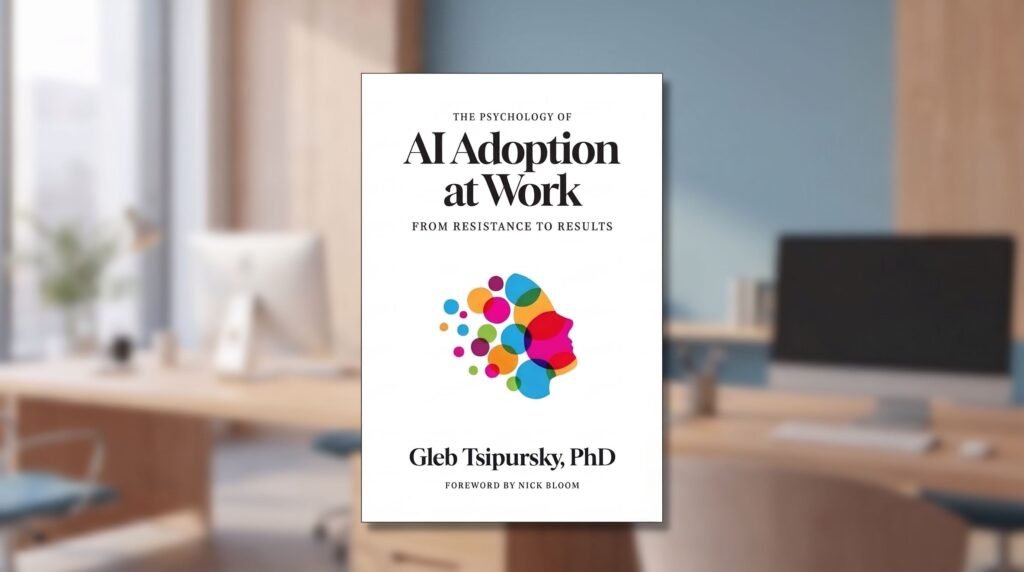
Gleb Tsipursky, PhD, a behavioral scientist, CEO of Disaster Avoidance Experts, and author of The Psychology of AI Adoption at Work: From Resistance to Results (Georgetown University Press, 2026). https://disasteravoidanceexperts.com/aibook